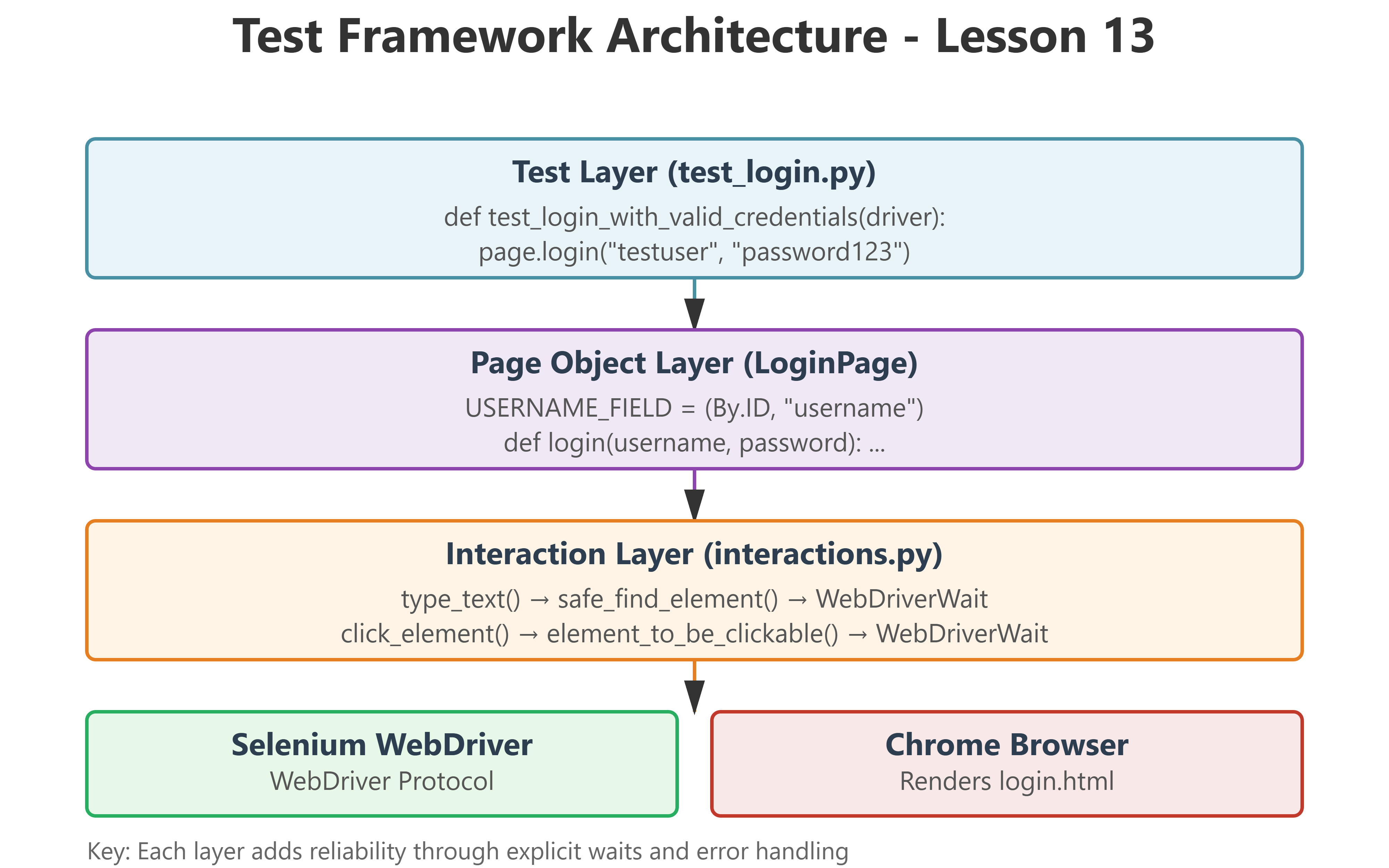
Lesson 13: Interacting with Elements - The Production-Ready Way

The Junior Trap: Why Your First Login Test Will Break in CI/CD
When manual testers write their first Selenium script, it typically looks like this:
python
driver.get("https://app.example.com/login")
driver.find_element(By.ID, "username").send_keys("testuser")
driver.find_element(By.ID, "password").send_keys("password123")
driver.find_element(By.ID, "submit-btn").click()
This works perfectly on your laptop with a fast connection and a warmed-up browser. You run it, it passes, you commit. Victory, right?
Wrong. Here’s what happens when this hits your CI/CD pipeline:
Day 1: Passes 80% of the time. “Must be network issues.”
Day 7: Someone adds a loading spinner. Now it fails 60% of the time with
NoSuchElementException.Day 14: A junior adds
time.sleep(5)before each interaction. Test suite now takes 47 minutes instead of 8.Day 30: You’re debugging
StaleElementReferenceExceptionat 2 AM because a production deploy is blocked.
The fundamental problem: Your code assumes the browser is as fast as your thoughts. It isn’t.
The Failure Mode: Race Conditions and Stale References
Web pages load in stages:
HTML structure arrives (DOM ready)
CSS loads (elements positioned)
JavaScript executes (dynamic content injected)
AJAX calls complete (data populates fields)
Frameworks hydrate (React/Vue make elements interactive)
When you call
find_element(), Selenium checks if the element exists at that exact microsecond. If your script runs during stage 2 but the element appears in stage 4, you getNoSuchElementException.Even worse: if you find an element during stage 3, store a reference, but then JavaScript re-renders the DOM in stage 4, your stored reference points to a destroyed element. Result:
StaleElementReferenceException.In CI environments with variable CPU and network speeds, timing becomes completely unpredictable. A test that passes 100 times locally might fail 30% of the time in Docker.
The UQAP Solution: Explicit Waits with Intelligent Retry Logic