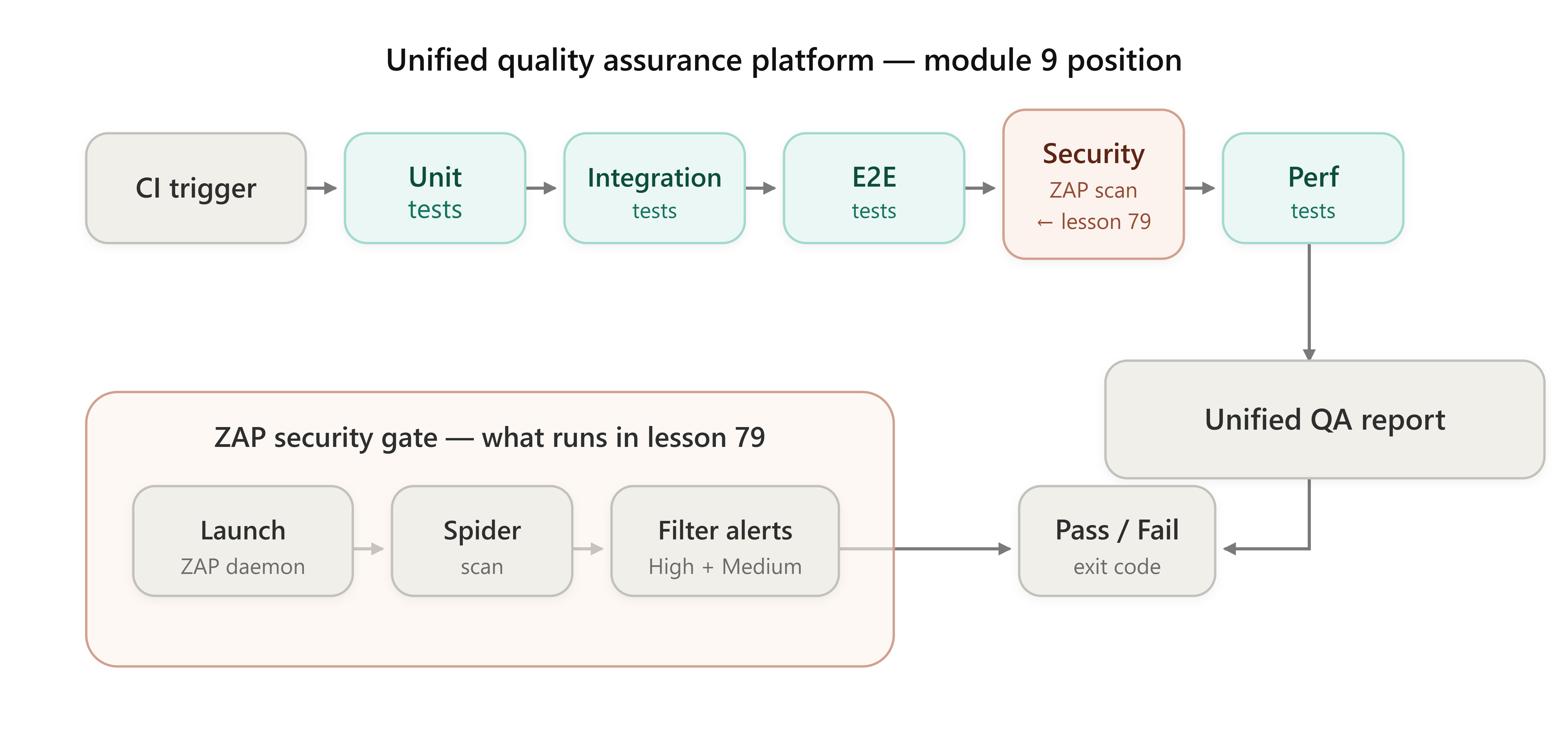
Lesson 79: Security Testing Basics

Running Automated OWASP ZAP Scans in a CI/CD Pipeline
The Junior Trap: “Just Run ZAP and Check the Report”
Here’s what a junior SDET or a manual tester transitioning to automation does when asked to “add security testing”:
bash
# The Junior Way™
docker run -t owasp/zap2docker-stable zap-baseline.py -t https://staging.myapp.com
They run it locally, get a colourful HTML report, screenshot it, attach it to a Jira ticket, and declare victory.
Here’s why that destroys scalability in three specific ways:
1. No readiness contract. ZAP’s daemon takes 15–30 seconds to boot. A naive script that immediately fires HTTP requests at the ZAP API gets `ConnectionRefusedError` on 40% of CI runs. You “fix” it with `time.sleep(30)`. Now every pipeline wastes 30 seconds even when ZAP starts in 8.
2. No risk-level filtering.Raw ZAP output contains 60–200 alerts per scan. Most are `INFORMATIONAL` or `LOW` — things like “X-Frame-Options header missing.” If your CI step fails on *any* alert, you’ve made the pipeline permanently red and trained the team to ignore security gates entirely. If it passes on *all* alerts, you’ve made it permanently green and meaningless.
3. No machine-readable output contract.HTML reports are for humans. A CI runner needs an exit code. `0 = pass`, `1 = fail`. Nothing else. The junior approach produces a file nobody reads and a process that always exits `0`.
The Failure Mode: The Flaky Security Gate
The symptom isn’t a crash — it’s worse. The pipeline passes when it shouldn’t, or fails randomly depending on how fast the CI machine booted ZAP that morning. Teams lose trust in the security gate within two sprints and disable it. Security debt accumulates silently.
The root cause is treating ZAP as a black-box CLI tool rather than as a service with an API that you can drive programmatically, with proper state management.